What to Do If Money Is Withdrawn from Your Card: Financial First Aid Kit
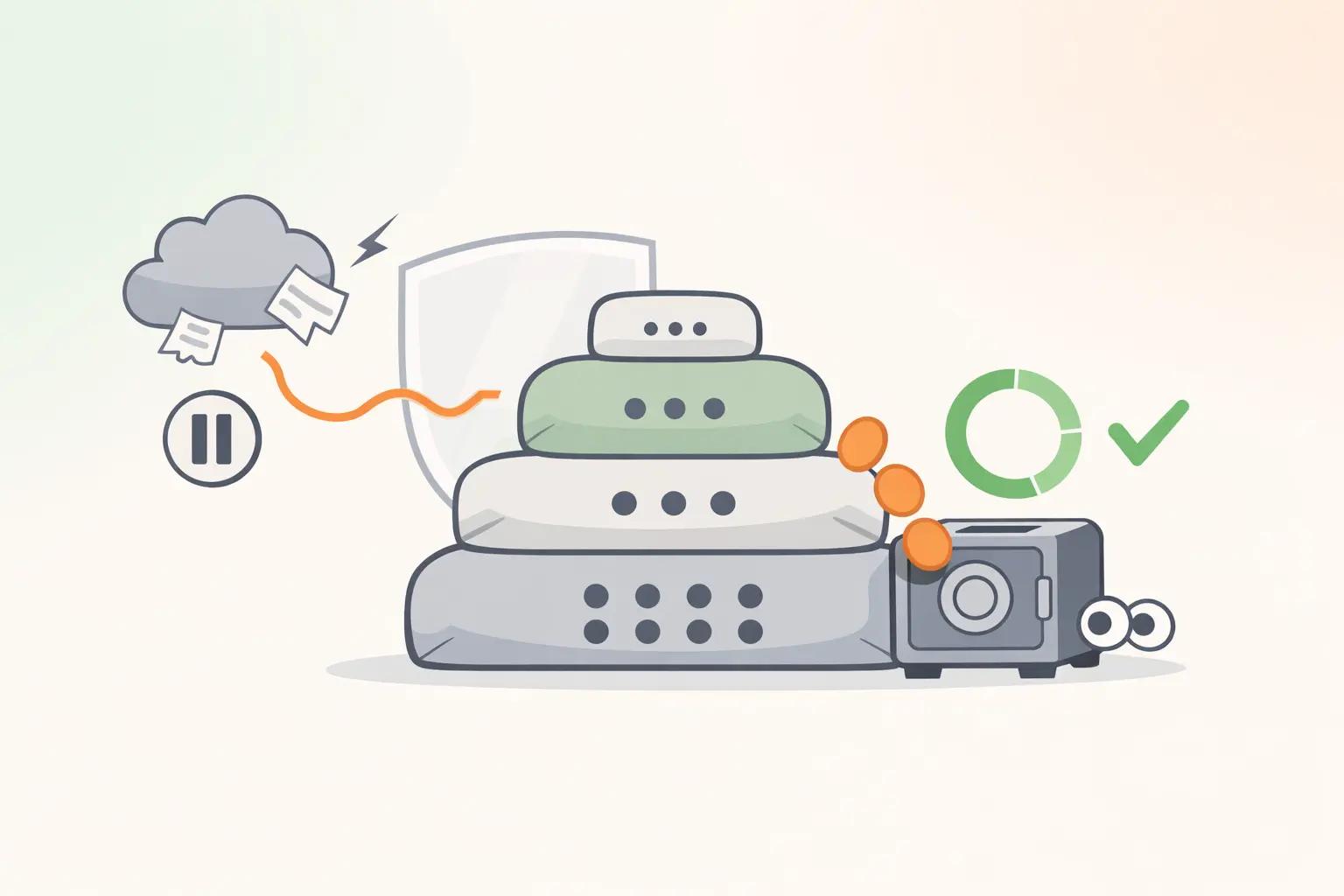
Financial first aid kit for card withdrawals

Push notification. 3,470 ₽. The store name is unfamiliar. No purchase was made.
The first reaction is panic. The second is confusion: what should you do? Call? Where? Block the card? How?
The key here is not how fast you act, but the correct sequence. A few clear steps in the first half hour reduce the risk of further withdrawals and give the bank everything it needs to investigate the suspicious transaction.
Below is a "financial first aid kit" for the first 30 minutes and the following day:
- First 5 minutes — stop the risk of new withdrawals;
- Next 15 minutes — document facts and contact the bank;
- By the 30th minute — file a dispute for the transaction;
- Within 24 hours — close vulnerabilities and protect your bank card for the future.
First 5 Minutes: Stop the Risk
The goal is not to investigate but to freeze the situation and prevent new unauthorized withdrawals from the card.
-
Open your bank’s app Use only the official bank app from the App Store or Google Play that is already installed. Do not follow links from SMS, emails, or messengers, and do not search for the bank via random websites in your browser.
-
Find the suspicious transaction Go to the card section and open the card statement. Check:
- the amount;
- date and time;
- the name of the store or online service. This information will be useful when contacting the bank.
-
Temporarily block or freeze the card Usually, this takes 2–3 taps in the mobile app: “Cards” → select the card → “Block” / “Freeze”. This block:
- stops new withdrawals;
- does not close the card permanently — you can unblock it if needed.
-
Disable online purchases and payments on the card, if the app offers this setting This may be called “Internet purchases,” “Online payments,” or “Cardless operations.” If the risk is related to online payments, temporarily disabling this reduces the chance of repeated unauthorized transactions.
-
Do not call numbers from messages Even if an SMS says “bank security service” and “call this number to cancel the withdrawal.” Take the contact number only:
- from the official app;
- or from the official bank website, which you enter manually in the browser.
Important: temporary blocking is not the same as closing the card. Once the cause of the withdrawal is clear, you can adjust the decision: unblock the card or order a replacement.
Next 15 Minutes: Document the Facts
Now you need to gather as much information as possible about the unauthorized withdrawal. This will help the bank and ensure you don’t forget details.
-
Take screenshots Photograph or screenshot:
- the transaction in the mobile app;
- the push notification;
- SMS from the bank about the withdrawal. Screenshots are your proof of the withdrawal.
-
Check recent card transactions In the card statement, look for:
- any other unfamiliar withdrawals;
- especially small amounts — 49, 79, 99, 149, 299 ₽. Small amounts are often used as "test" payments before a large theft.
-
Check autopayments and subscriptions In the mobile app, find sections like “Autopayments,” “Subscriptions,” or “Recurring payments.” Pay attention to:
- any unfamiliar services;
- whether autopayment is set up for the same store or service from which the withdrawal came. If it’s an unnecessary autopayment or forgotten subscription, disable it to prevent repeated withdrawals.
-
Contact the bank via chat or call the number from the app The safest option is the bank’s chat in the official mobile app. If there is no chat, call the number listed in the “Contacts” section of the app.
Suggested phrase:
“I did not make or authorize the card transaction for [amount], dated [date and time], [transaction name]. Please block the card until this is resolved and investigate the withdrawal. I request to initiate a dispute for this transaction.”
Ask to record your request and clarify if you need to visit a branch.
-
Record details of your communication with the bank Briefly note:
- date and time of contact;
- communication channel — chat, call;
- name or ID of the employee if provided. This will help if you need to follow up or refer to previous conversations.
First 30 Minutes: File a Dispute
The card is blocked, and you have initial contact with the bank. The next step is to formally dispute the transaction.
-
Submit a dispute claim Options depend on the bank:
- directly in the chat in the mobile app;
- via the “Disputed transactions” / “Dispute charge” section;
- at a bank branch.
Inform them:
- the withdrawal was unauthorized;
- you did not share your card or details (number, expiry, CVV/CVC, PIN, 3-D Secure codes) with anyone;
- you did not enter card details via links from emails or messengers.
The bank employee will guide you on the exact wording and questions. Your task is to calmly and thoroughly describe the situation.
-
Get and save the dispute reference number Ask the employee:
- for the dispute or case number;
- how to track the status (app, phone, SMS).
Save the number in notes or send it to yourself via messenger.
-
Clarify next steps and timelines Ask:
- approximate review time (a range like several days or weeks, no exact date expected);
- what documents or explanations might be needed;
- if you need to submit a separate claim if new transactions appear.
Rules vary by bank and payment system, so get current info from your bank.
-
Decide on card replacement Consider if your card details may have been compromised:
- lost card or photographed by others;
- entered details on suspicious websites;
- clicked phishing links pretending to be from the bank;
- shared card data or SMS codes over the phone.
If any of these seem possible, it’s safer to order a card replacement. The old card will be closed, and the new one will have different details.
-
Check card links to services This is important if the unauthorized withdrawal happened via:
- marketplaces;
- taxi and food delivery services;
- streaming and gaming subscriptions;
- payment services and wallets, including SBP links.
Log into these services and:
- remove cards you no longer use;
- disable unnecessary subscriptions and autopayments;
- review transaction history for other surprises.
Note: dispute conditions, review times, and chances of refund depend on the bank, payment system, and transaction details. There is no universal deadline for banks to refund — check specifics with your bank.
Within 24 Hours: Close Vulnerabilities
The acute phase is over. Now focus on financial security to prevent recurrence.
-
Change passwords Start with:
- mobile and internet banking;
- email registered with the bank;
- accounts where card details are saved (marketplaces, payment services). Use different, sufficiently long passwords.
-
Enable two-factor authentication (2FA) Activate 2FA:
- in the mobile bank if available;
- in your email;
- in major services linked to your card. This adds a barrier if someone learns your password.
-
Check and reduce card limits if needed In the mobile app, review:
- per-transaction limit;
- daily limit for online payments;
- limits on transfers via SBP and payment services. If limits are too high compared to your usual spending, reduce them. This won’t prevent all fraud but limits potential damage.
-
Remove old card links Review:
- old store accounts;
- subscription services;
- taxi and delivery apps. Remove the card where it’s no longer used. The fewer places your card is linked, the easier it is to control security.
-
Review statements for 2–3 months Calmly check for:
- small unfamiliar withdrawals;
- duplicate charges for the same subscription;
- strange fees you didn’t know about. If anything looks suspicious, document it and check with the bank immediately.
Mini Case: When 149 ₽ Was a Warning Sign
Alina received a push notification about a 149 ₽ withdrawal labeled "online service." She decided to check it in the evening — the amount was small, and she was busy. She forgot.
Three days later, a new notification arrived — this time for 4,890 ₽. The same unknown service. Alina got scared, blocked the card, and reviewed her card statement for the past months.
It turned out there were five small withdrawals over six weeks — from 49 to 299 ₽ — all with the same unfamiliar name. In her inbox, she found an old email: "Thank you for registering, 7-day trial period, then paid subscription."
In the end:
- the card was blocked, and a dispute was filed;
- the bank reversed the large withdrawal;
- Alina noticed the small transactions too late, and they were not refunded.
Almost 900 ₽ was lost permanently, while 4,890 ₽ was returned later.
The lesson is not to fear every small amount but to regularly review your statement weekly — 3–4 minutes — to catch small "trial" charges before they become a big problem.
Different Types of Withdrawals
Before demanding the bank "return the money withdrawn from your card," it’s useful to understand what happened. Not every withdrawal is fraud.
Below are four common scenarios.
1. Fraudulent Withdrawal
Signs:
- you definitely did not make the purchase;
- you did not share your card or CVV/CVC with others;
- you did not enter card details via links from emails, messengers, or "bank messages";
- you did not confirm the transaction with a 3-D Secure code.
This is a classic unauthorized card withdrawal. The process is the same: block, document facts, file a claim with the bank. The bank will investigate how the transaction occurred and who authorized it.
2. Forgotten Subscription
Common scenario:
- you signed up for a free trial period (7/14/30 days);
- the terms stated autopayment would start afterward;
- money started being withdrawn monthly or weekly.
How to check:
- transaction name in the card statement;
- email search for that name;
- subscription sections in Google/Apple, streaming, gaming, and cloud services;
- subscription lists in the mobile bank.
If it’s a subscription:
- cancel it in the service;
- disable autopayment or auto-withdrawal in the bank;
- assess how long you used the service and whether to request a partial refund from support.
3. Hold / Pre-authorization
This is not a withdrawal but a temporary freeze of funds:
- when booking a hotel;
- renting a car;
- at gas stations, where a round sum is blocked first, then the actual amount is charged.
Signs:
- the amount is "pending" or marked as expected;
- labeled "hold," "funds blocked," or "pre-authorization";
- later it is either partially charged or fully released.
If the hold is not released within a reasonable time, check with the service’s support and the bank how long unblocking usually takes.
4. Bank Fees
Sometimes a "suspicious withdrawal" is:
- a card maintenance fee;
- SMS notification charges;
- fees for cash withdrawals or currency conversion.
Check:
- card tariff in the app;
- sections like "Fees," "Maintenance";
- bank messages about tariff changes.
If the fee is unexpected but formally covered by the tariff, the bank is unlikely to refund it, but at least you’ll understand the charge.
5. Withdrawal on a Family Card or Shared Subscription
Another source of surprises:
- a joint card for a couple;
- family subscription with children or relatives added;
- shared store or gaming platform account.
Before filing a fraud claim, check with those who have access to the card or subscription. Sometimes an "unfamiliar game" in the statement is a child’s in-app purchase on the family card.
Situation → What to Do
For convenience, a quick reference for typical situations.
| Situation | First Step |
|---|---|
| Unfamiliar withdrawal, no purchase made | Block or freeze the card, take screenshots, contact the bank, file a dispute |
| Withdrawal looks like a subscription | Check email, subscription and autopayment sections, cancel subscription and autopayment, contact service support and bank if disputed |
| Card lost or stolen | Immediately block the card via app or hotline, order replacement, check statement for suspicious transactions |
| Received a link or call claiming to be from the bank | Do not follow links or share card details and codes; open mobile bank yourself and check transactions; call official number if in doubt |
| Small withdrawals repeat regularly | Check autopayments and subscriptions, remove unnecessary card links, contact bank and consider card replacement if unclear |
Prevention: How to Avoid This Situation Again
You cannot fully protect yourself from fraudsters, but you can:
- limit potential damage;
- quickly notice suspicious card withdrawals.
1. Separate Card for Online Purchases
- Get a separate or virtual card for online payments and subscriptions.
- Keep only the amount you plan to spend in the next few days on it.
- Store main funds on another account or card.
If the "online card" details leak, you won’t risk your entire balance.
2. Operation Limits
- Set reasonable limits on:
- online purchases;
- transfers via mobile bank and SBP;
- payments in payment services.
- Adjust limits to your actual spending: if you usually spend up to 3–5k per day, no need to keep a 50k limit.
3. Notifications for All Withdrawals
Push notifications or SMS for every transaction:
- help you spot suspicious withdrawals immediately;
- allow quick card blocking.
If SMS notifications are paid but push is free, at least enable push in the mobile app.
4. Minimum Funds on Spending Card
- Keep only 2–3 days’ worth of expenses on your daily card.
- Keep the rest in a separate account not linked to online purchases.
This naturally limits potential damage if fraudsters withdraw money.
5. Regular Statement Review
Make it a habit to:
- review your card statement weekly for the past 7–10 days;
- watch for:
- unfamiliar names;
- repeated small amounts;
- duplicate charges for the same service.
A few minutes a week greatly increase the chance of spotting suspicious transactions before major losses.
Thought: a reserve account is not just a safety net for income loss. It also acts as a buffer separating daily expenses and card risks from your long-term savings. Learn more about setting up such a reserve in our article on financial safety cushions.
How to Mark a Disputed Withdrawal in Expense Tracking
If you track finances in an app, spreadsheet, or Kopium, disputed transactions deserve special attention.
While the bank investigates:
- record the transaction but:
- assign a separate category like "Disputed transactions";
- or add a tag "disputed."
- this keeps it separate from regular purchases and doesn’t distort category reports.
When the bank decides:
- if money is refunded:
- delete the disputed transaction and add a refund entry;
- or mark the refund as a separate line with the same category;
- if not refunded:
- move the transaction to an appropriate category (e.g., "Other" or "Fees and losses") so it’s included in the budget.
Regular tracking helps not only with budgeting but also spotting strange small withdrawals. What might be missed in the bank app often stands out in category reports.
Save This: Checklist for a Withdrawal Incident
- Open the official bank app and find the suspicious transaction.
- Temporarily block or freeze the card, disable online purchases.
- Take screenshots of the transaction, push notification, and SMS from the bank.
- Contact the bank via chat or call the number from the app, briefly explain the situation.
- Submit a dispute claim and record the reference number.
- Check card links in services, remove unnecessary ones, and disable unwanted subscriptions.
- Within 24 hours, change passwords for bank and email, enable two-factor authentication.
- Review card limits and reduce them to reasonable levels.
- Review card statements for recent months and mark disputed transactions in your records.
Anxiety at such moments is natural. But the goal is not to avoid worry but to channel that energy into clear steps: quickly stop the risk, document facts, and communicate with the bank only through official channels.
Money lost to unauthorized withdrawals may be refunded or not — it depends on the transaction circumstances, payment system rules, and the bank’s policy. But what is definitely in your hands are the first 30 minutes: careful actions without panic and a habit of regularly reviewing your financial transactions.