New Module Automatically Recognizes Expenses from Receipt Photos
Receipt to transaction — after user confirmation

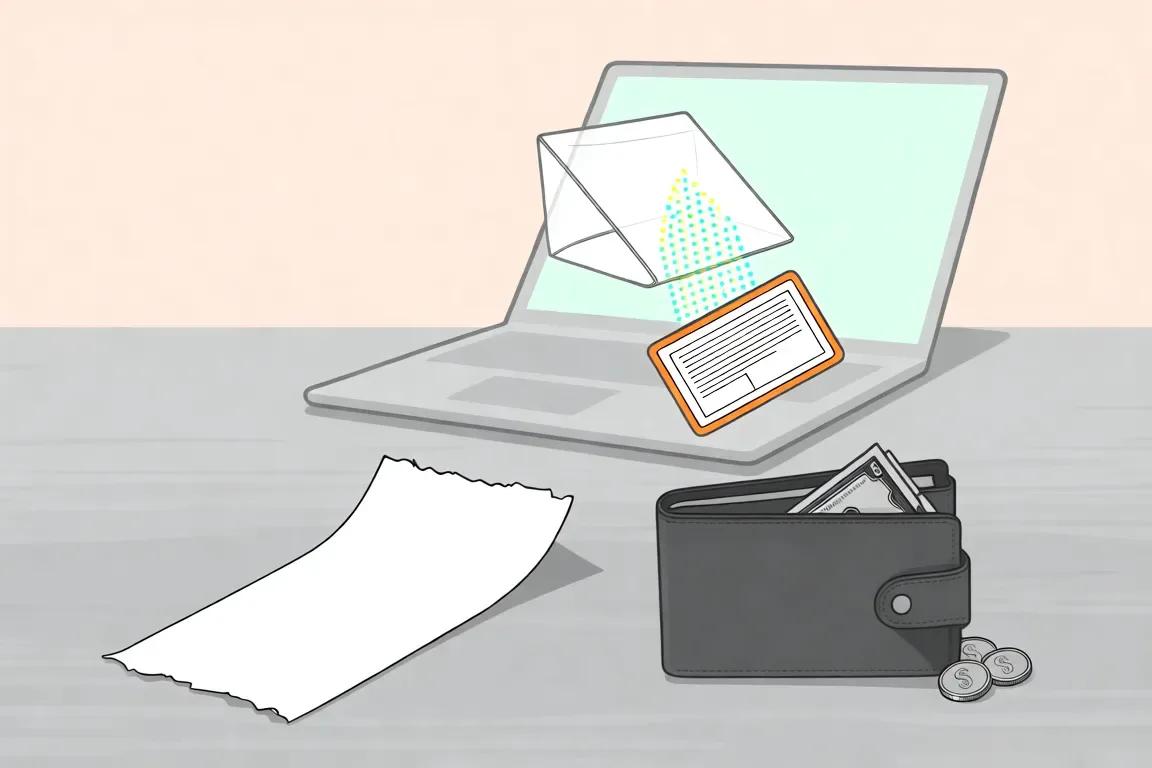
KOPIUM has introduced a new expense recognition module from receipt photos. Now, to enter expenses, simply upload a receipt image — the system will automatically extract key data and prepare a transaction draft.
What's new
- Recognition of amount, date, store, currency, and items from receipt photos.
- Automatic matching of data with existing categories and locations from the project.
- Creation of a transaction draft with highlighted discrepancies.
- Display of uncleaned recognition lines for manual review.
- Transactions are created only after user confirmation.
- Ability to rescan the receipt, clear recognition cache, and maintain control over final data.
Who is this for? If you regularly enter expenses manually and want to speed up accounting, upload a receipt photo — KOPIUM will prepare the data, and you will confirm the result before creating the transaction.